Eazy Video
Teasers and recaps
Same-day social teasers from wedding, event or travel footage.
Give Eazy Video your selects and get a beat-synced, color-graded, captioned first pass. Send it to a client as a teaser, or polish it further in your editor.

 Scan with your
3 free videos a day
Same-day social teasers from wedding, event or travel footage.
Show the direction before you spend hours on the timeline.
Eight videos a day on Pro for social packages.
How it works
Pick a vibe, pick your videos, wait about two minutes.
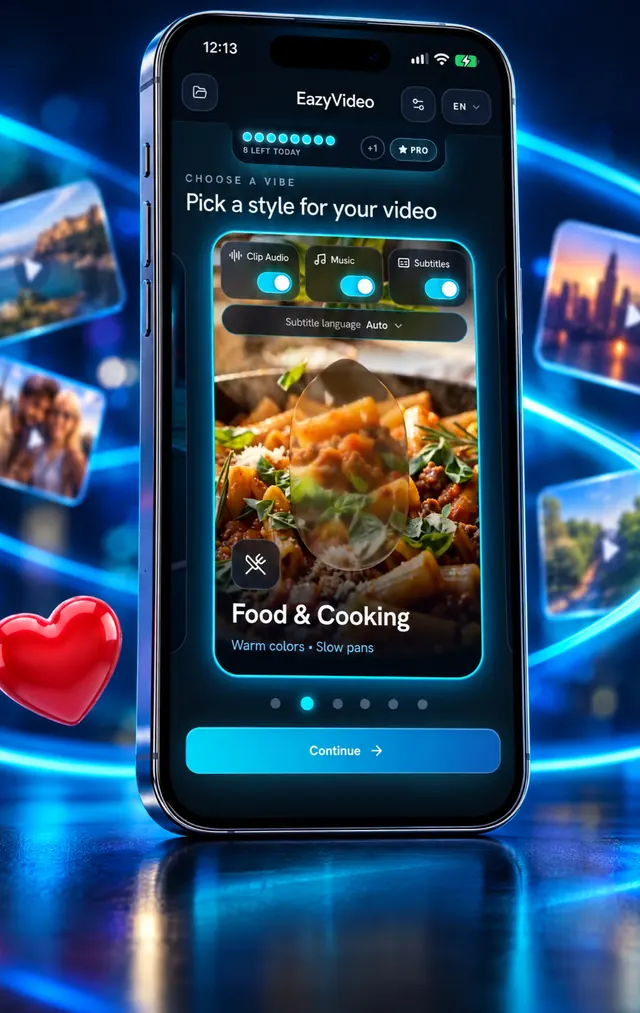
Six styles, each with its own pacing, color and music.
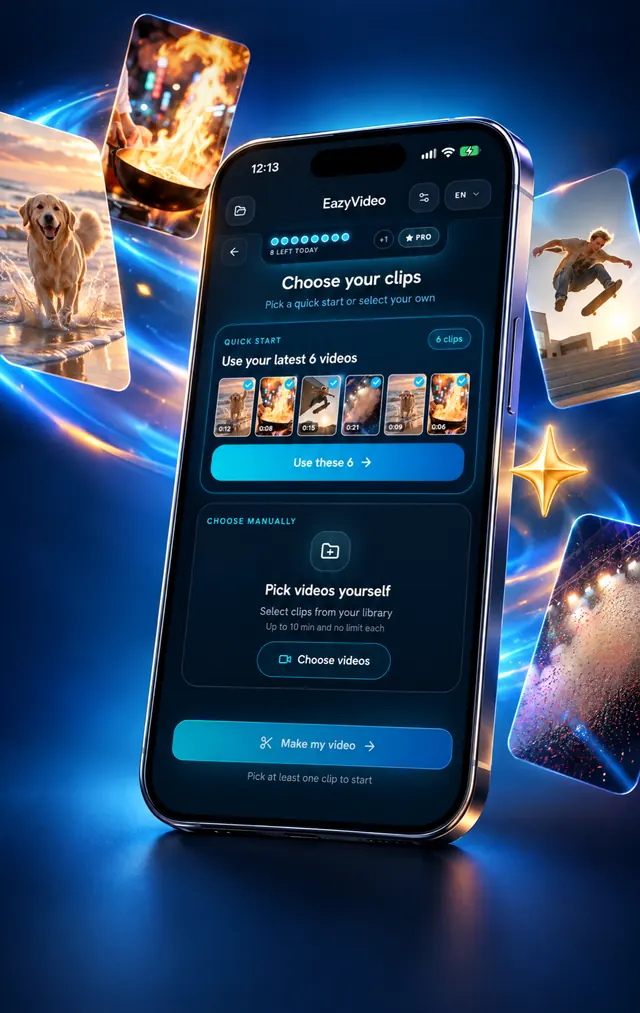
Your latest clips, or choose your own.
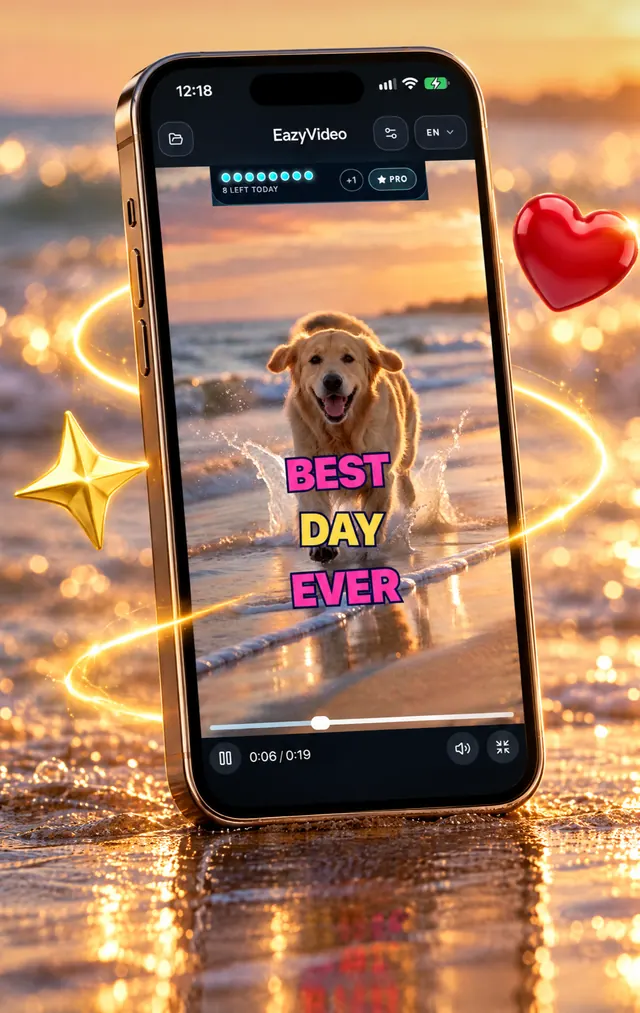
Music, color, cuts on the beat, captions. Saved to Photos.
Frequently asked questions
Everything you need to know about Eazy Video.
Yes, on Pro.
The finished video is saved to Photos, so you can open it in any editor afterwards.
No. You pick a vibe and your clips, and the app does the cutting, music, color and captions. There is no timeline to learn.
Usually about two minutes, depending on how much footage you add. Keep the app open while the bar fills.
Free: 3 videos a day with a small watermark. Pro removes the watermark, gives 8 videos a day and 4K export, from $3.99 a week; the monthly and yearly plans start with a 3-day free trial.